
Find B2B leads with filters or AI chat
Set your filters and get matching decision makers from 500M+ contacts. You can also describe your ICP and let the AI assistant set up the search.
Trusted by the fastest growing companies
★★★★★
4.7 on G2









Start with the filters you know
Apply the filters that match the people you want to reach.
- Filter by industry, company niche and business model
- Narrow by job title, location and company size
- Get verified emails, phone numbers and LinkedIn profiles
Get 100 Free Credits


Or describe your ICP to the AI assistant
Describe who you sell to in plain words and the assistant sets up the search for you.
- Open the AI assistant in one click
- Describe your buyer in a sentence
- Fine-tune the result with filters
Get 100 Free Credits
Reach prospects when something changes
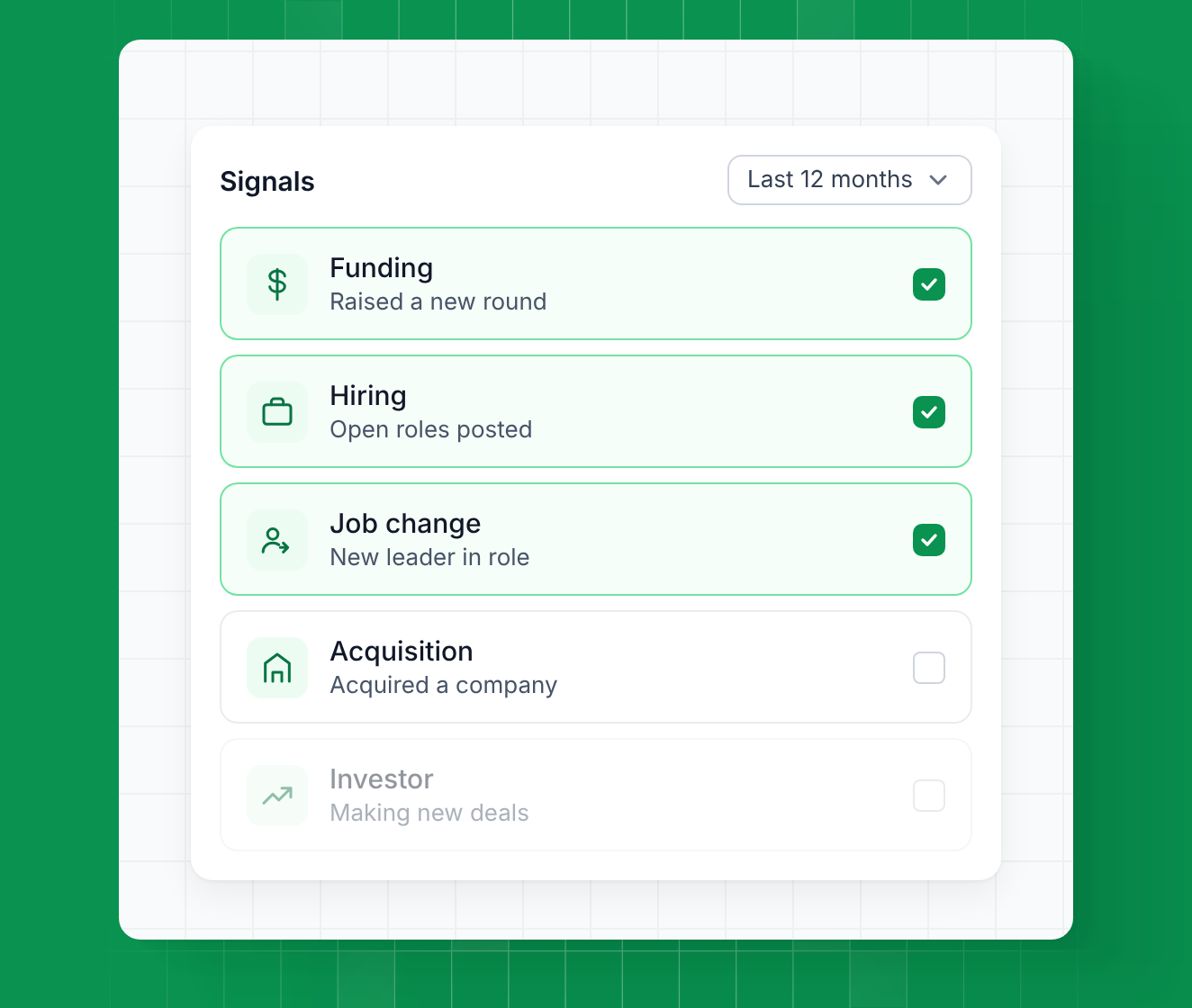
Add buying signals to your filters to find companies going through a change. A new funding round, open roles or a new leader gives you a clear reason to reach out.
- Find companies that just raised funding or are hiring
- Reach new leaders in their first months in a role
- Spot recent acquisitions and investors making new deals
Get 100 Free Credits

Start your search from any angle
Use the search method that fits the list you need.
- Find companies like your best customers
- Pull followers of any company page on LinkedIn
- Search local businesses by location and type
Get 100 Free Credits
Get contact data from 20+ providers
Leadsforge checks 20+ sources when you need contact details.
- Search across 20+ B2B data providers
- Get verified emails, LinkedIn profiles and phone numbers
- Moves to the next source when data is missing
Move leads into your workflow
Take your final list straight into the tools you already use.
- Send contacts to Salesforge
- Export your list as CSV
- Connect through API, MCP or CLI
Build your next lead list your way
Use filters or describe your ICP to the AI assistant, then get verified contact details for every match.
Frequently asked questions
If your question is not covered below, contact us through chat.
How does the AI Lead Finder work?
Start with filters like industry, job title, location and company size. Or describe your ICP to the AI assistant and it sets up the search. Either way, you can fine-tune the result with filters.
Do I have to use the AI assistant?
No. Filters are the default view. The assistant is one click away if you'd rather describe your ICP.
Which filters can I use?
Industry, company niche, business model, job title, location, company size and more.
Where does the contact data come from?
Leadsforge checks 20+ B2B data providers for each contact and moves to the next source when data is missing.
How do credits work?
Verified emails and LinkedIn profiles cost 1 credit each. Verified phone numbers cost 10 credits.